|
 |
The Alert Center is composed of the first three tabs. Click the following links to see individual screenshots: Alarm Clock Reminders Agenda
These let you define any type of timed events that will
alert you when they become due. Each event can have a different alarm type.
You can define an alarm to be a popup window with or w/o accompanying sound
(can't miss it!) or you can choose the alarm to perform a task such as
running a program, play an Audio CD, load a file in its associated
application, run your E-mail program etc. Very flexible! Alarms with sound
can either use your sound card or your internal PC speaker for output (fun!
see Sound Maker). |
 |
Accounts Keeper keeps track of the time and
money spent on your customers accounts or your own projects. This is a must
have for developers or people running some kind of a Help Desk. If any thing
can be timed, Accounts Keeper can be used. |
 |
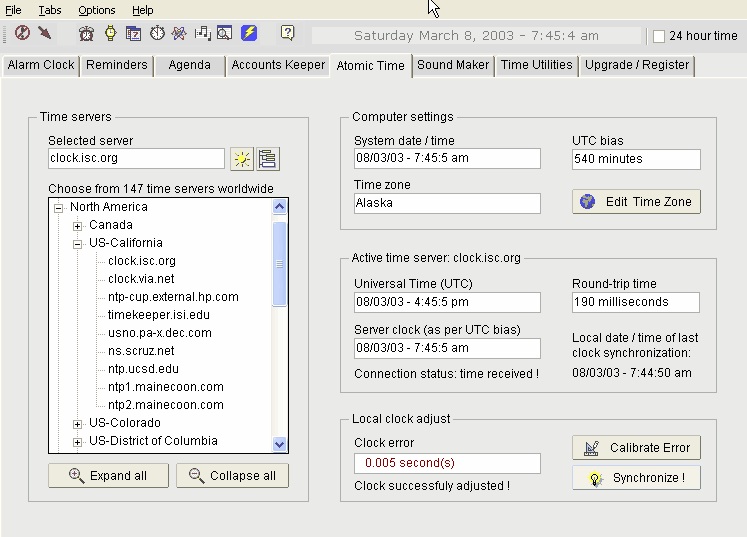
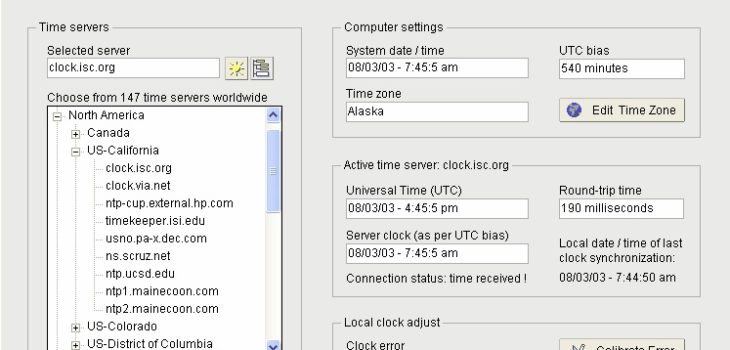
Atomic Time uses your Internet connection to keep
your internal PC Clock (and calendar) in synchronization with a Time
Server on the Internet. There is a list of more than a hundred servers worldwide to choose
from. |
 |
Sound Maker lets you
create sound files that will play on your internal PC speaker. Attach these
sounds to your timed events. This is an original feature only found in
TimeRanger. It gives you total independence from your sound card and from
the countless softwares that try to squat it. |
 |
Time Utilities tab
offers many time and calendar calculations such as dates of full and new
moon, Easter dates, Internet Time, Fridays 13th and a customizable list of
time related Web links etc. |
 |
Lastly, Upgrade & Register
accesses this Web site, compares your version with the latest public release
and lets you download the upgrade if needed. You can upgrade the free and the registered versions the same way. You
can also Register your copy of TimeRanger from that interface. |